This website is compiled from notes taken configuring my own Linux workstations to hopefully reduce the friction it takes for 3D Artists, Video Editors and Photographers to get back into their creative flow. Keep in mind these notes are based on my own experience, yours may vary.
How to Install Linux?
See corresponding guides for whichever one of the distros you choose.
-
CachyOS - Guide for 3D Artists (Recommended) - Great for creators, gamers and users who also like to customize & tailor their experience.
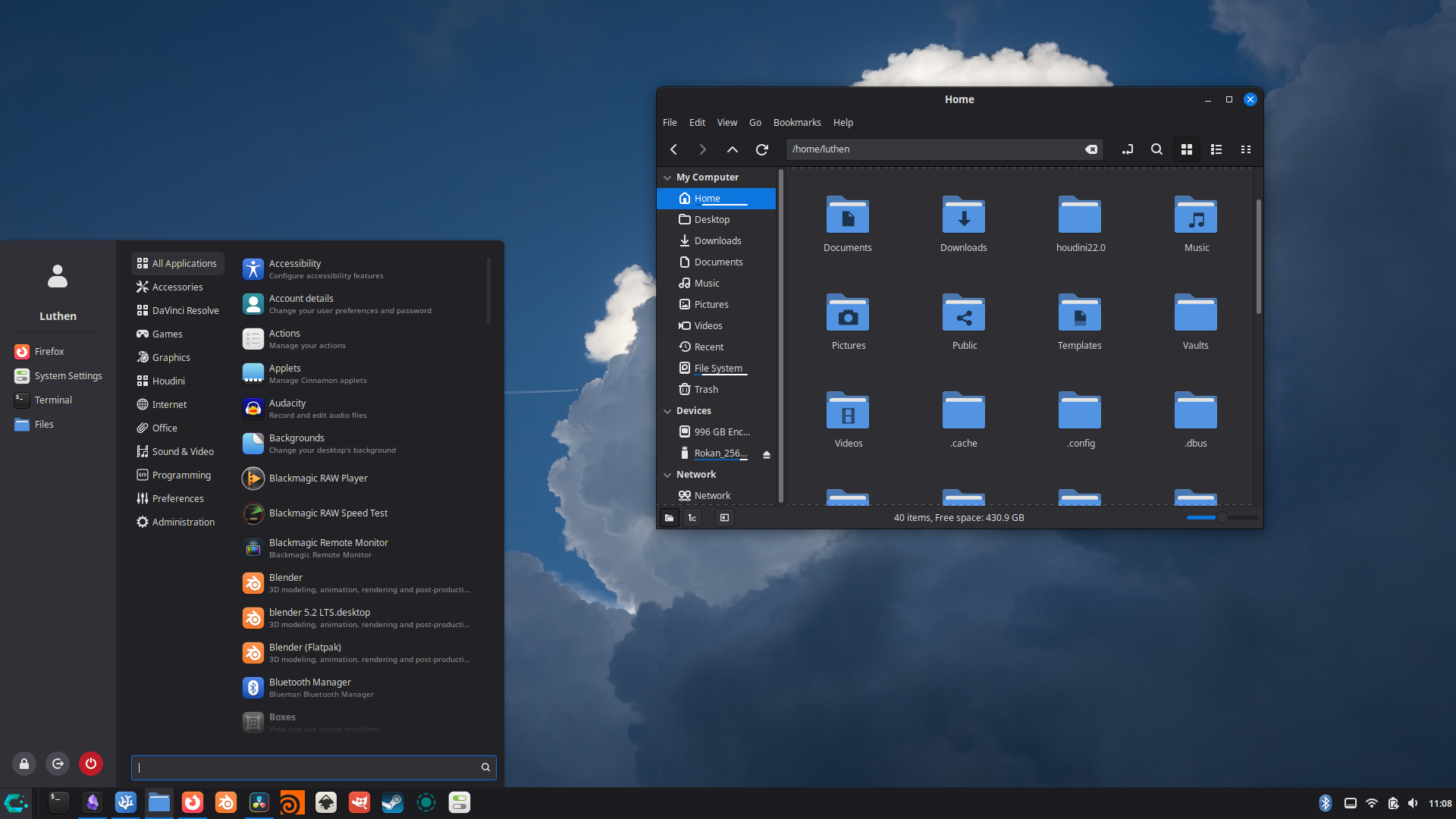
- Fedora Cinnnamon - Guide for 3D Artists - Popular RHEL upstream project that is fully open source and perfect for creative individuals seeking a clean experience in a modern linux distro.
- AlmaLinux 9 - Guide for 3D Artists - RHEL binary distro. Likely better for individuals who are dedicated VFX artists used to studio environments, takes more work to set up.
Picking a Distro - Understanding the building blocks of Linux and how they influence 3D Artists

What Software Works on Linux? Alternatives?
See Linux Software & Alternatives to see what is and isn’t supported on linux.
Other Useful Resources
Blender
- Installing Blender on Linux
- Blender File Locations on Linux
- Blender Startup Configuration
- Motion Blur Fix in Blender while Using Shape Keys
- (Uncommon) Blender Denoising Glitch Fix on Linux
DaVinci Resolve
- Installing DaVinci Resolve on Linux
- My Full DaVinci Resolve 3D, VFX & Color Grading Pipeline
- Export to External Drives in DaVinci Resolve on Linux
Houdini
Linux Apps, System and Customization
- Affinity on Linux
- Fastfetch Customization
- Package Manager
- Common Package List for Linux Installs
- CachyOS - 1.2 Setting Up Wacom Tablet and Stylus on Cinnamon - Most Desktop Environments do this for you in the settings. Mine just broke and its always good to know the workarounds.
- LocalSend - Fix firewall so you can send to other devices/devices not detected.
- Download ISO and Create Bootable USB
Files and Compatibility
- HEIF Image Compatibility on Linux
- Convert HEIF or HEIC to PNG on Linux - Because way to many of us have iPhones with the proprietary image formats.
Did You Know Linux is a VFX Industry Standard?
See the VFX Reference Platform Surveys from 2021 and 2024 to get a glimpse into the percentage of studios that use Linux workstations, and what they are using.
My Favorite Writing/Storytelling Resource
(Best 45 Minutes of Writing Advice I’ve Ever Heard.)
Why did I Make this Resource, and Why Linux?
I’ve been a casual Linux user for years, but in October 2025 a Windows update broke my installation during an big client project so I decided it was time to try Linux in 3D production.
Switching to Linux always involves a bit of a learning curve. Whether Linux is a hobby or you are adopting it, I hope this helps you troubleshoot a range of issues that I ran into along the way.
Why is there NOT instructions for AMD GPU users?
Two reasons:
- Because I do not own any AMD hardware.
- VFX software developers generally target NVIDIA hardware, so you will have a better experience using NVIDIA hardware in the industry.
How did I make this website?
Maybe you want to host your own obsidian notes on github. I found Isak’s video very helpful attached below! I also used the Quartz v5 documentation. https://quartz.jzhao.xyz/